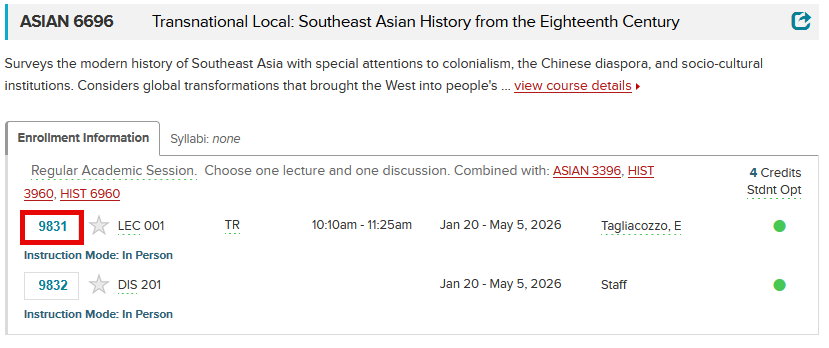
Within the Class Roster:
Class Numbers (4-5 characters in length) are located under Enrollment Information, to the left of the Component Type and Section Number.
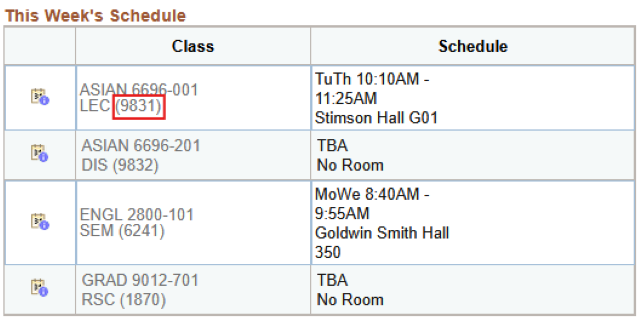
Within your Student Center:
Option 1
To determine the Class Number for a class that you wish to drop, you could review This Week’s Schedule on your Student Center.
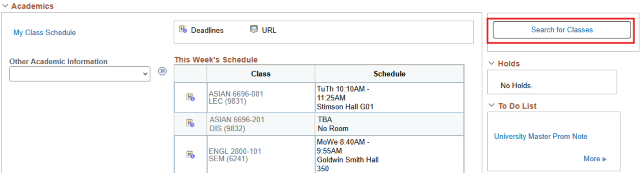
Option 2
To determine the Class Number for a class that you wish to add, you can perform a Class Search by clicking on Search or Search for Classes from your Student Center homepage.
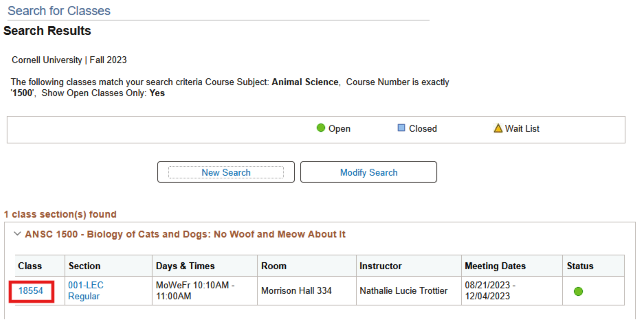
Select the appropriate Subject (Animal Science) from the drop down, enter the correct Course Number (1500), and click Search.
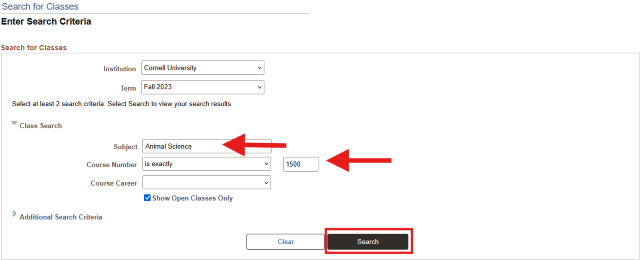
The Section (class section) and the Class (class number) will be returned on the Search Results screen. From this screen, you can opt to add the class section to your shopping cart by clicking Select and following the prompts.